How to Extend the Life of Your iPad Battery: Replacement Tips and Tricks
MA
Understanding Your iPad Battery
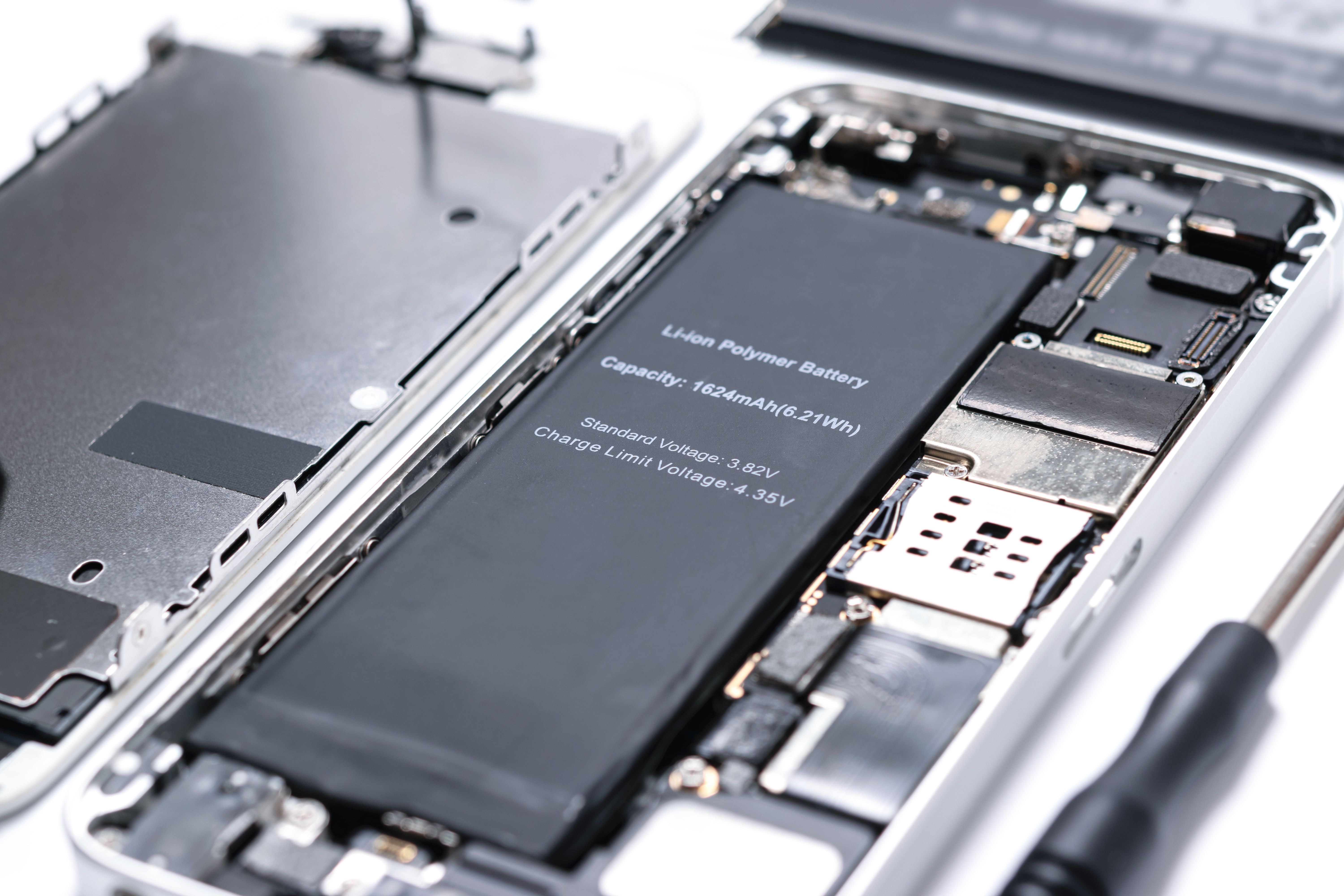
Your iPad is a powerful device, but like all electronics, its battery life can dwindle over time. Understanding how your iPad battery works and how to care for it is essential to keeping your device running smoothly.
Regular Software Updates
One of the easiest ways to extend your iPad's battery life is by ensuring it runs the latest software. Apple frequently releases updates that include improvements for battery efficiency. To check for updates, go to Settings > General > Software Update.
Optimize Settings
Adjusting certain settings can significantly impact your battery life. Here are some tips:
- Reduce Screen Brightness: Lower the brightness to a comfortable level or enable auto-brightness.
- Turn Off Background App Refresh: Navigate to Settings > General > Background App Refresh and switch it off for apps that don't need it.
- Limit Notifications: Disable unnecessary notifications that can wake your screen.

Battery Replacement Tips
Even with optimal care, your battery may need replacing after a few years. Here are some tips for a seamless replacement process:
Determine If You Need a Replacement
Check your battery health by navigating to Settings > Battery > Battery Health. If you notice significant degradation, it might be time for a replacement. Look for signs like rapid battery drain or unexpected shutdowns.
Go to an Authorized Service Provider
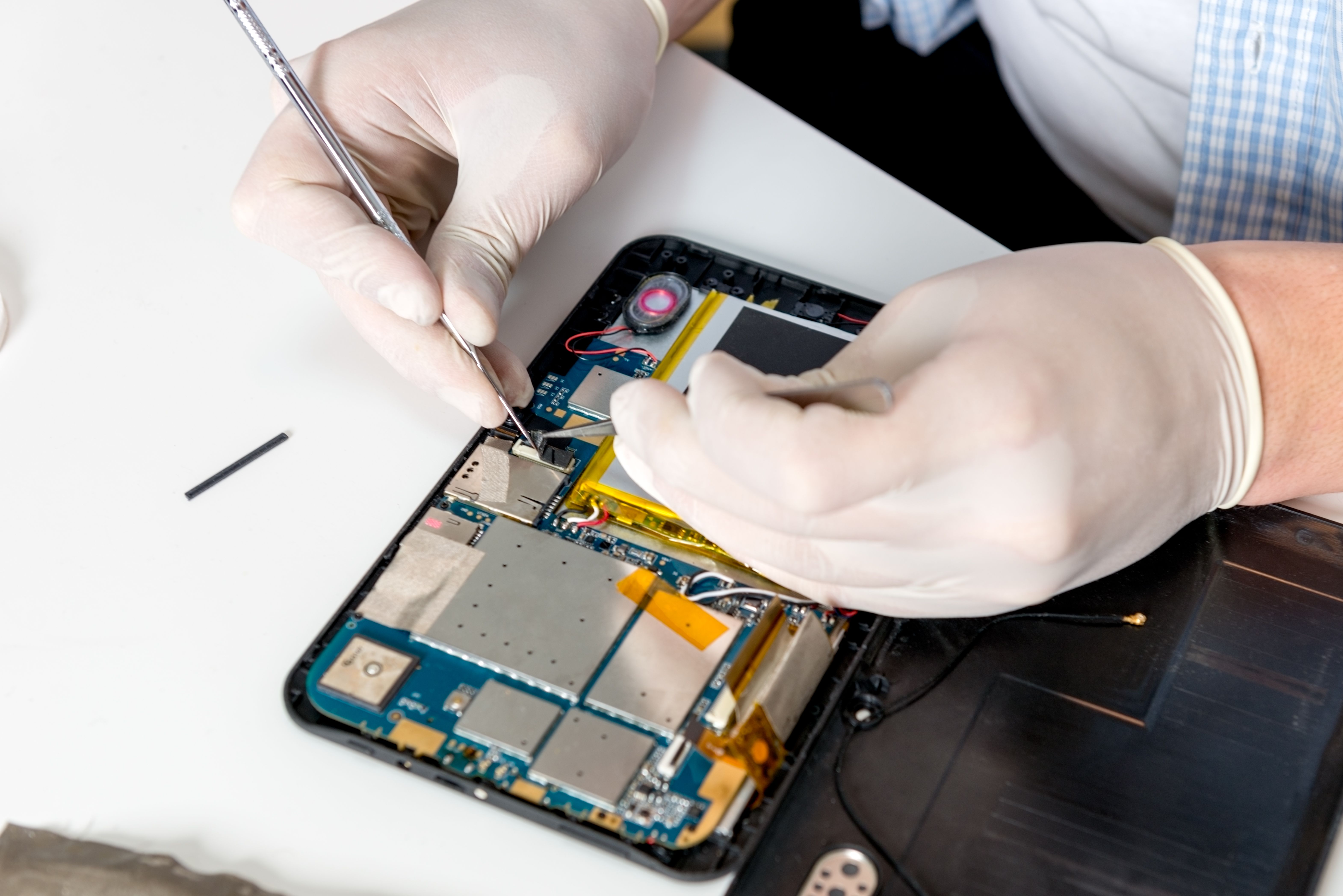
For a reliable replacement, visit an Apple Store or an authorized service provider. This ensures you receive a genuine battery and professional installation. Attempting to replace it yourself can void warranties and potentially damage your device.
Everyday Battery Care
To prolong your battery's lifespan, integrate these practices into your daily routine:
- Avoid Extreme Temperatures: Keep your iPad away from excessive heat or cold.
- Store at Half Charge: If you plan to store your iPad for a long period, charge it to about 50% before turning it off.
- Use Wi-Fi When Possible: Wi-Fi consumes less power than cellular data.
Conclusion
By following these tips and tricks, you can maximize your iPad's battery life and delay the need for a replacement. Regular maintenance and mindful usage go a long way in preserving your device's performance.