Seasonal Smartphone Maintenance Tips for Houston Residents
MA
Understanding the Houston Climate
Houston's climate can be quite challenging for smartphone users. With a mix of high humidity, intense heat in the summer, and occasional cold snaps in the winter, your device can experience various stresses. Understanding how these conditions affect your smartphone is the first step in maintaining its longevity.
Heat can cause your phone’s battery to degrade faster, while humidity can lead to internal moisture buildup. Being aware of these potential issues is crucial for effective smartphone care.
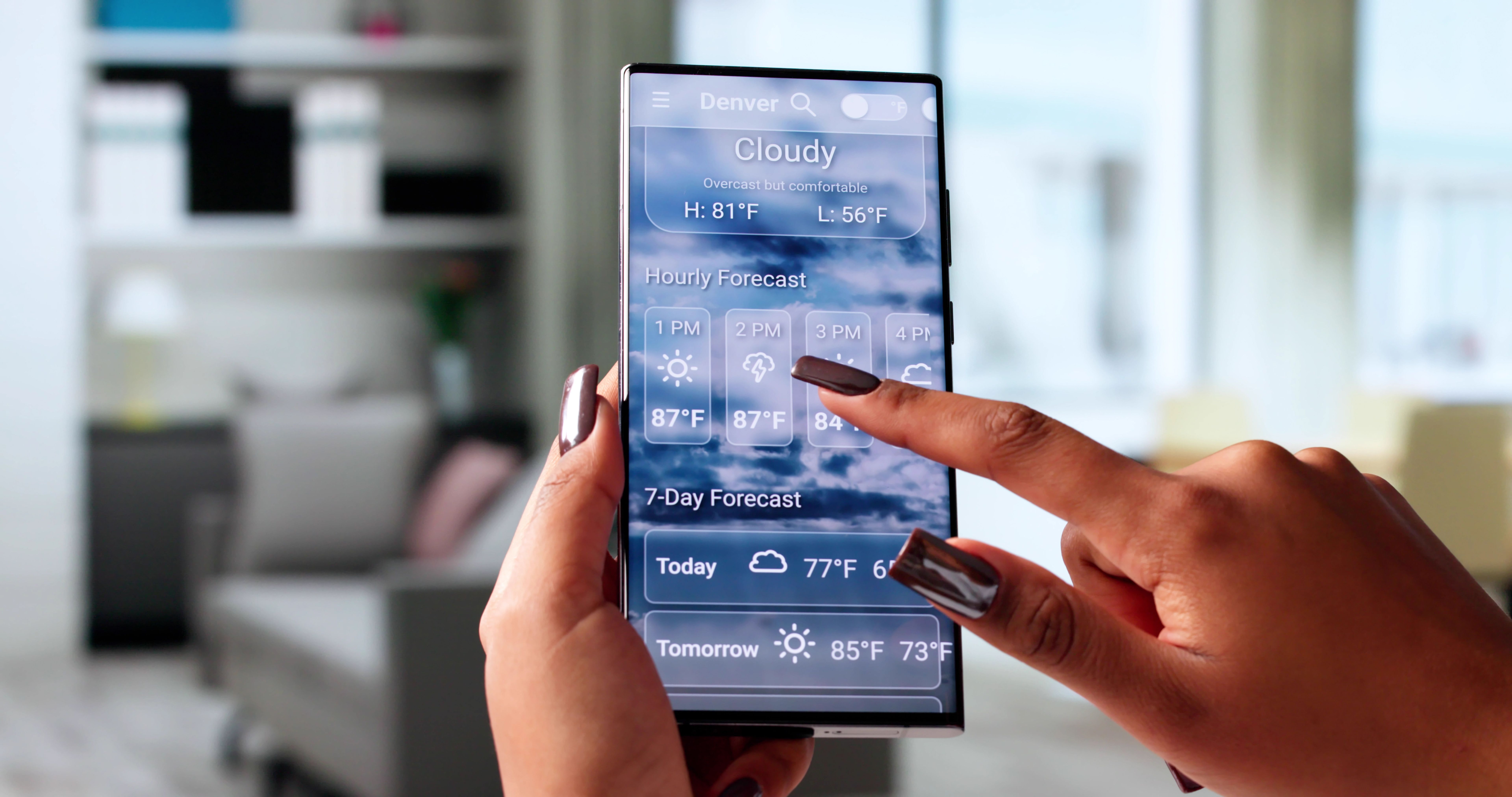
Protecting Your Phone from Heat
Use Protective Accessories
Invest in a phone case that offers thermal protection. Some cases are specifically designed to dissipate heat, keeping your device cooler. This is particularly useful during Houston's hot summer months when temperatures can soar.
Avoid Direct Sunlight
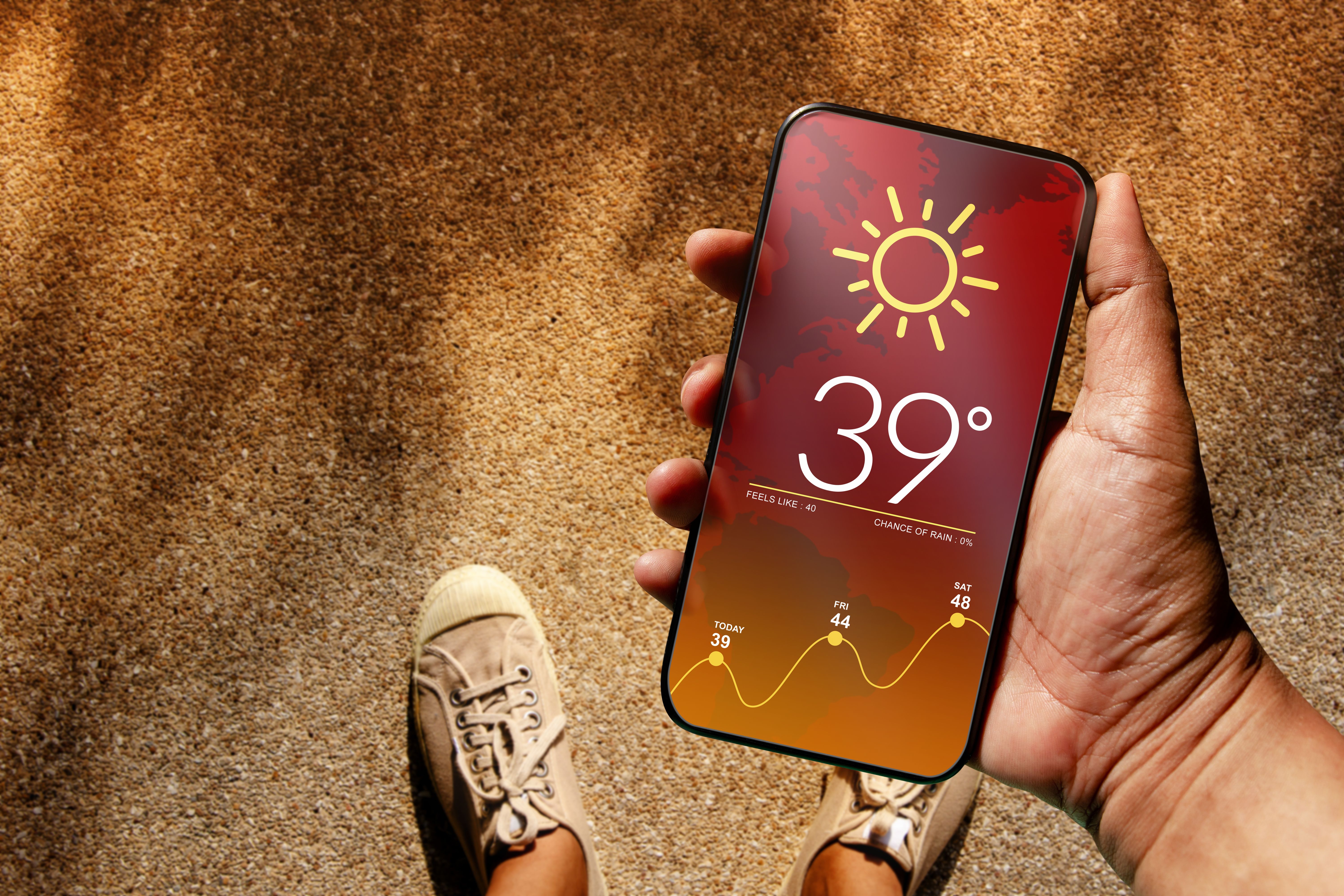
Keeping your phone out of direct sunlight is essential. Prolonged exposure can cause overheating, leading to temporary shutdowns or even permanent damage. Consider keeping your phone in a shaded area or using a screen protector with UV protection.
Humidity Control
Use Waterproof Cases
High humidity levels can cause condensation inside your phone. A waterproof case can prevent moisture from seeping into your device, safeguarding sensitive internal components. Ensure that the case is properly sealed to maximize protection.
Monitor Indoor Conditions
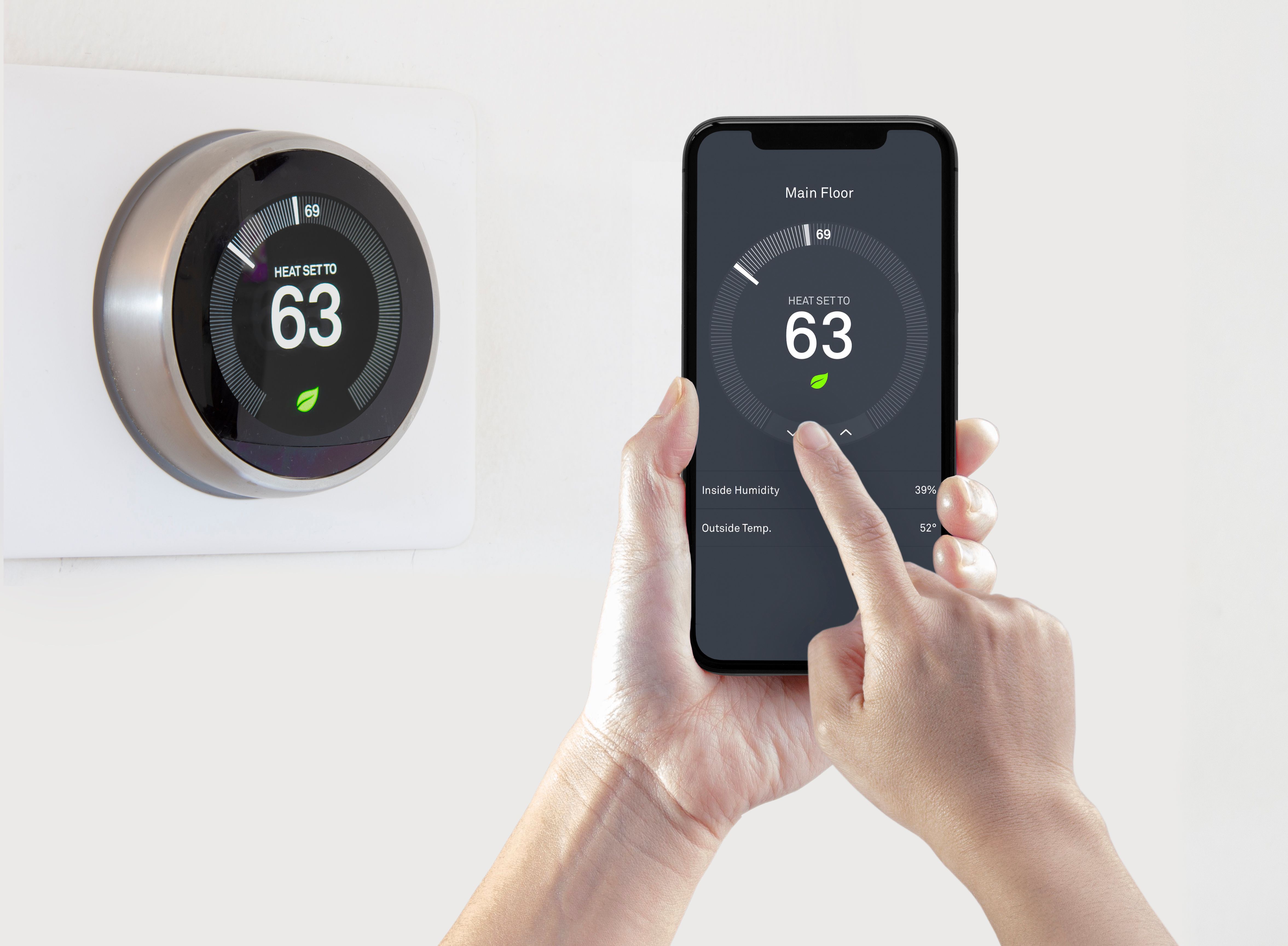
Consider using a dehumidifier at home to maintain optimal humidity levels. This can help in reducing the risk of moisture-related issues, especially during Houston's rainy season.
Cold Weather Considerations
While Houston doesn't frequently experience extreme cold, occasional dips in temperature can still affect your smartphone. Cold weather can reduce battery efficiency and cause the screen to become less responsive.
Keep Your Phone Warm
During colder days, keep your phone in an inner pocket close to your body to maintain a stable temperature. This helps in preserving battery life and ensuring that the touchscreen remains responsive.
General Maintenance Tips
- Regularly clean your phone using a microfiber cloth to remove dust and grime.
- Avoid charging your phone overnight to extend battery lifespan.
- Update your device's software to benefit from the latest security patches and performance improvements.
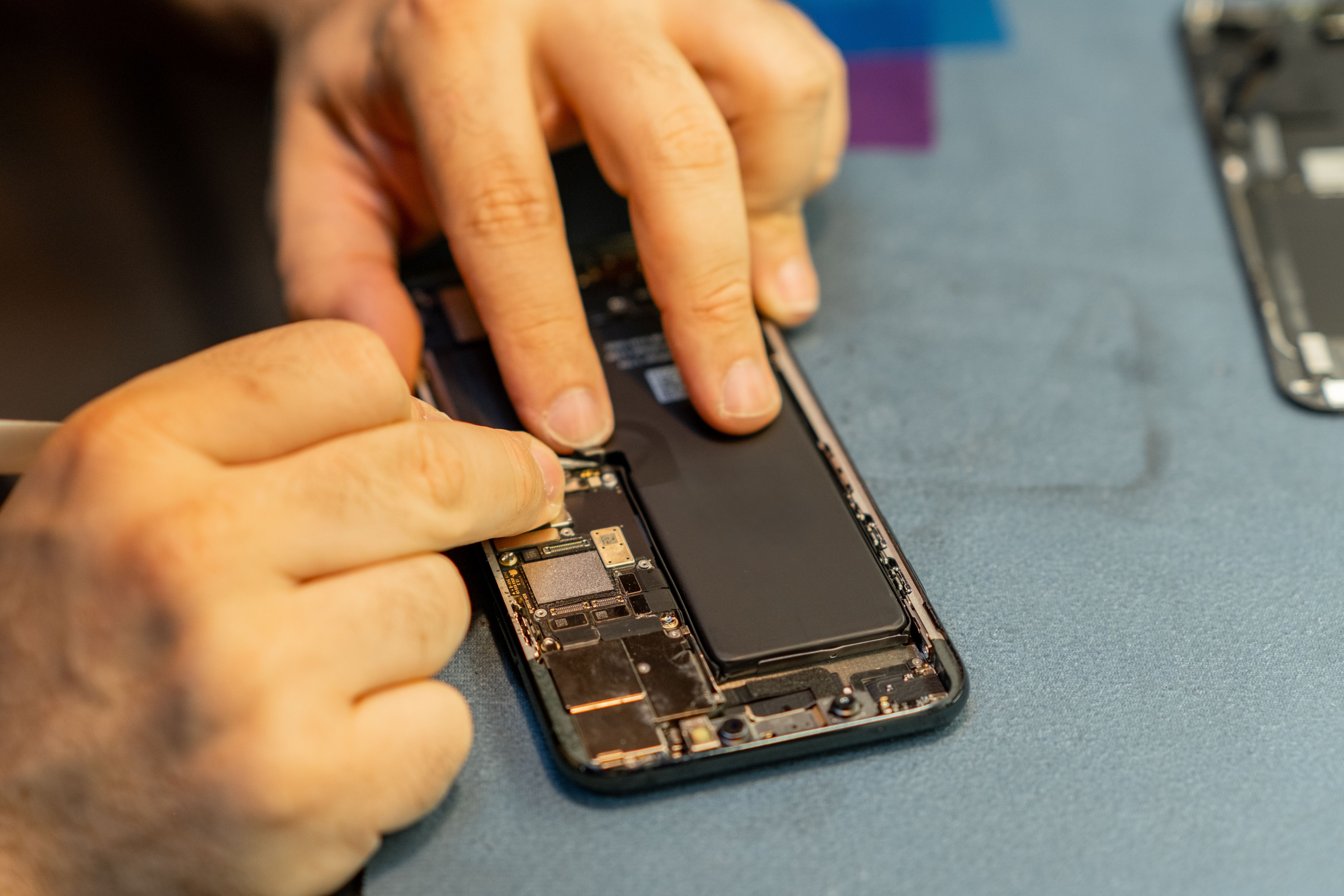
By following these seasonal maintenance tips, Houston residents can ensure their smartphones remain in optimal condition year-round. Paying attention to climate-related challenges and taking proactive steps can significantly extend the life of your device, providing reliable performance regardless of the season.