Top 5 Tips for Maintaining Your Laptop in Houston’s Humid Climate
MA
Understanding Houston's Humid Climate
Houston's climate is well-known for its high humidity levels, which can pose challenges for electronic devices, especially laptops. The moisture in the air can lead to condensation, which may result in hardware damage over time. Understanding how to maintain your laptop in such conditions is crucial for its longevity and optimal performance.

Tip 1: Keep Your Laptop Dry
One of the most important things you can do is to keep your laptop dry. Avoid using your laptop in areas with high humidity or near windows where condensation can form. If you must use your laptop in a humid environment, consider investing in a dehumidifier for your workspace to help reduce moisture levels.
Tip 2: Regular Cleaning
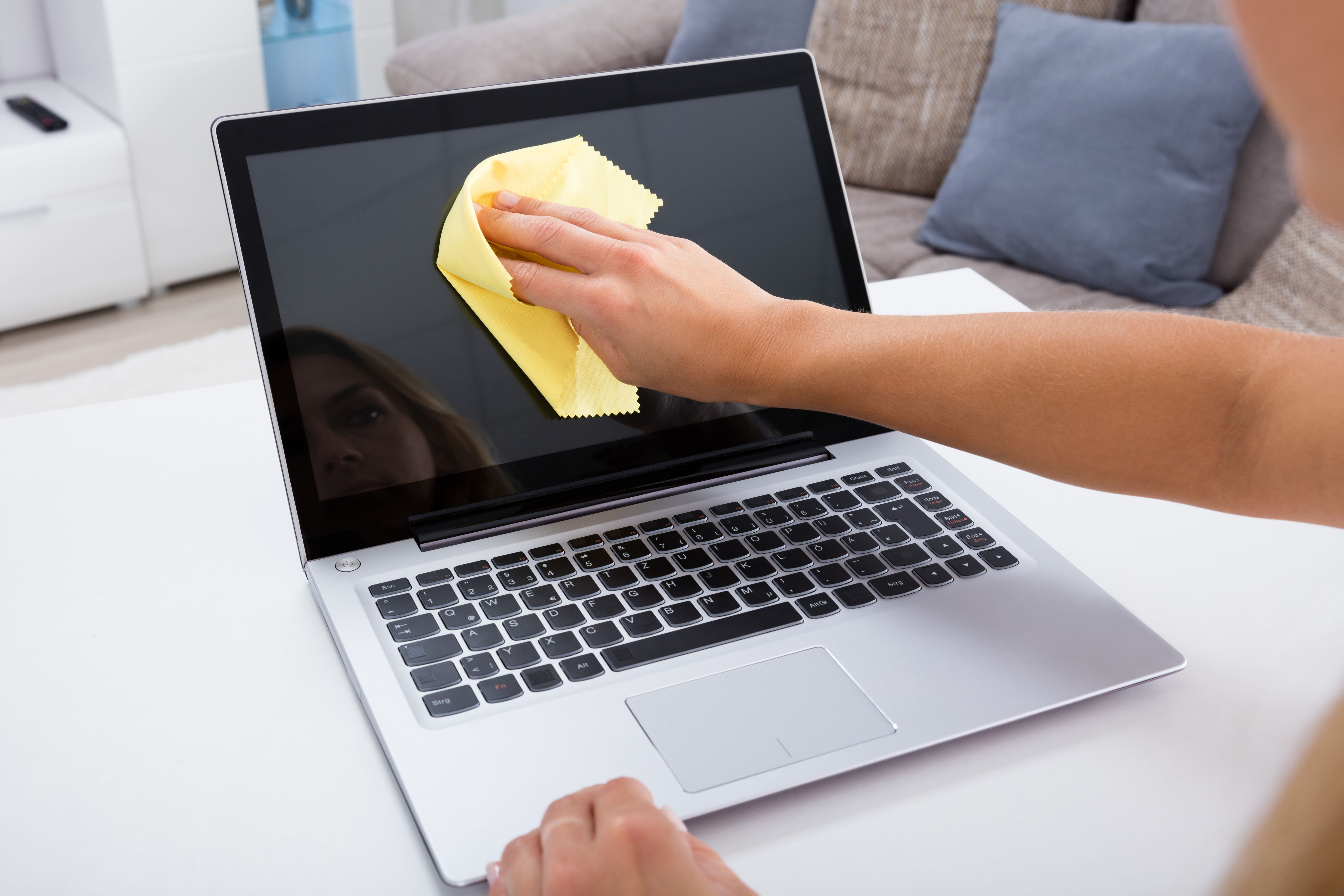
Regular cleaning is essential to prevent dust and moisture from accumulating inside your laptop. Use a soft, lint-free cloth to wipe down your laptop’s exterior and a can of compressed air to gently clean the keyboard and vents. This helps improve airflow and reduces the risk of overheating, a common issue in humid climates.
Tip 3: Use a Protective Case
A protective case can shield your laptop from environmental factors like humidity. Choose a case that is water-resistant and provides a snug fit to prevent moisture from seeping in. This additional layer of protection can be particularly useful if you're frequently on the move.
Tip 4: Monitor Temperature
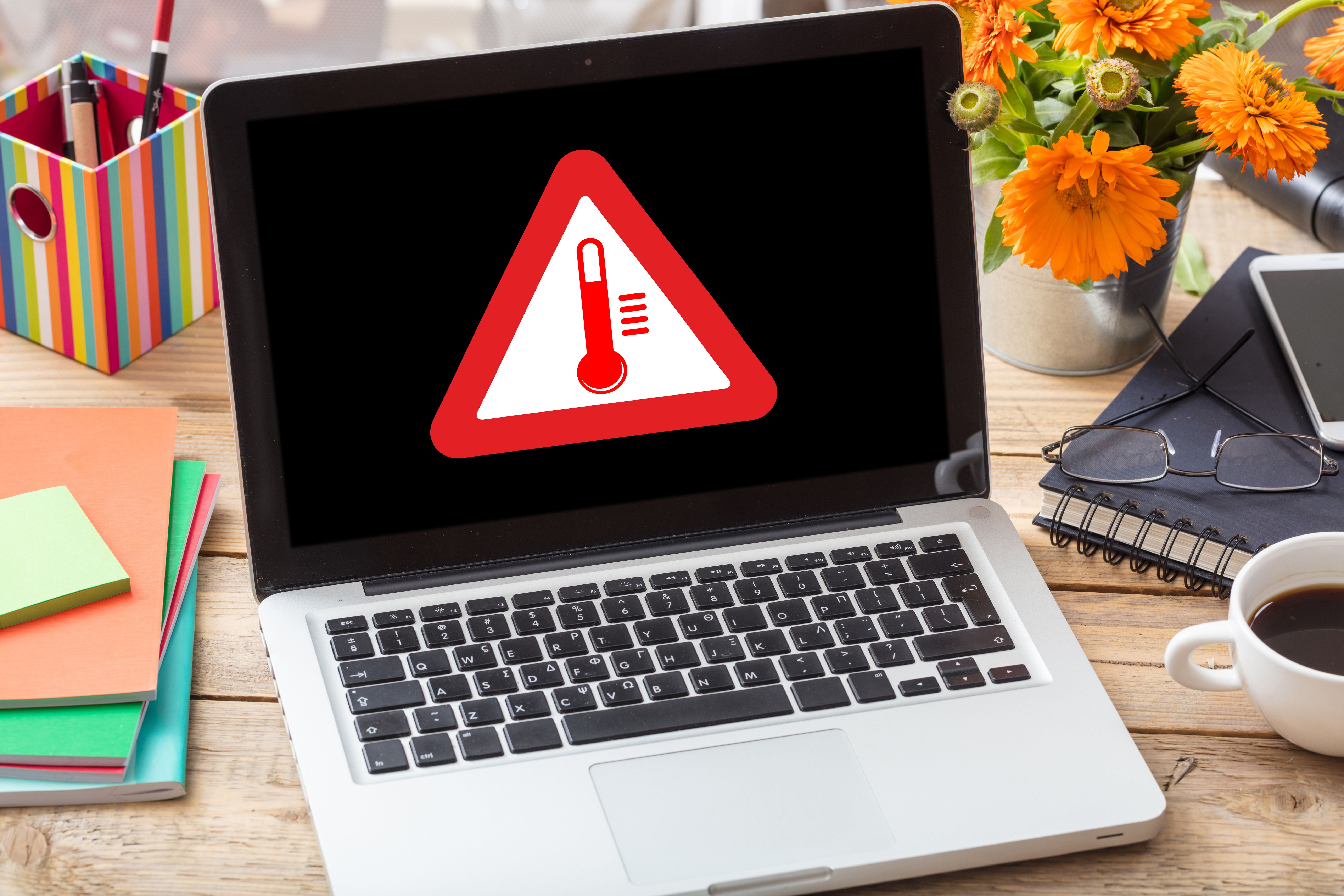
High humidity can exacerbate heat issues, so it's important to monitor your laptop's temperature. Use software tools to keep an eye on internal temperatures and make adjustments as necessary. Ensure that your laptop is placed on a flat, hard surface to allow for proper ventilation.
Tip 5: Backup Your Data
No matter how careful you are, unexpected issues can occur. Regularly backing up your data ensures that you won’t lose important files if your laptop encounters problems due to humidity. Utilize cloud services or external hard drives for easy and secure data backups.
By following these tips, you can significantly reduce the risk of damage to your laptop in Houston's humid climate. Keeping your device dry, clean, and well-protected will help ensure it remains in good working condition for years to come.