Top Computer Troubleshooting and Repair Upgrades You Can Do at Home
MA
When your computer starts acting up, the good news is that there are several troubleshooting and repair upgrades you can perform at home. Not only can these solutions save you time, but they also offer a sense of accomplishment. Here are some top computer fixes and upgrades you can tackle on your own.
Identify and Resolve Software Issues
Software problems are often the cause of computer slowdowns and crashes. Begin by checking for updates. Ensuring your operating system and applications are up-to-date can resolve a myriad of issues. If your computer is still underperforming, consider uninstalling programs you no longer use.
Another effective solution is to scan for malware. Use a trusted antivirus program to remove any malicious software affecting your computer's performance. Regular scans and updates to your antivirus software are crucial.

Upgrade Your Computer's RAM
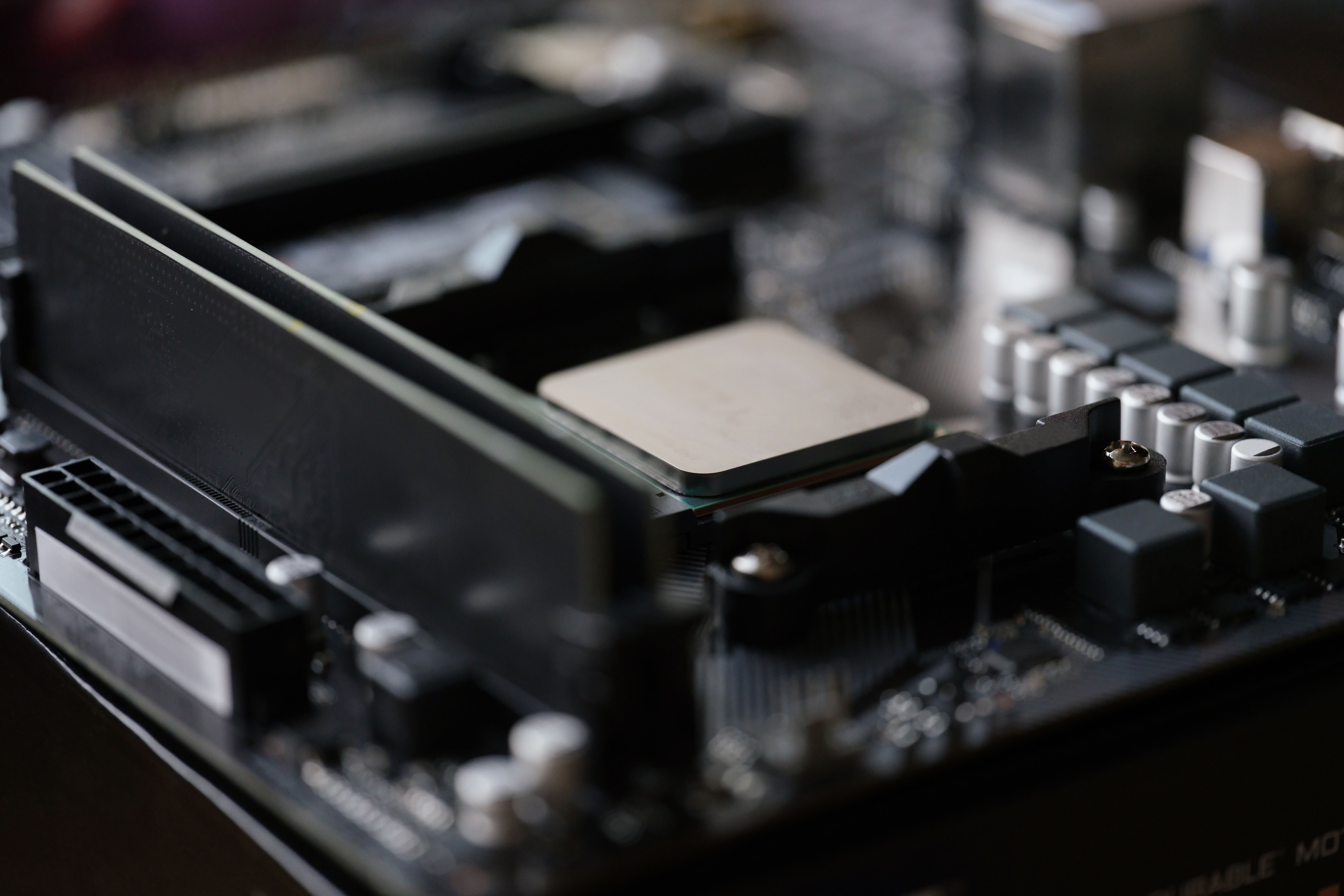
If your computer is running slowly, upgrading the RAM is a straightforward fix that can significantly enhance performance. More RAM allows your computer to handle more tasks simultaneously without slowing down. Check your computer's specifications to determine the type and amount of RAM it can support.
Installing new RAM is relatively simple. Turn off your computer, open the case, and insert the new RAM into the available slots. Make sure everything is securely connected before closing the case and restarting your computer.
Enhance Storage with an SSD
Switching from a traditional hard drive to a solid-state drive (SSD) can greatly improve your computer's speed and responsiveness. SSDs are faster, more reliable, and use less power than standard hard drives.
To upgrade, you'll need to clone your existing hard drive to the new SSD. Many SSDs come with software to help with this process. Once cloned, replace the old hard drive with the new SSD, and enjoy the faster boot times and improved performance.
Address Overheating Issues
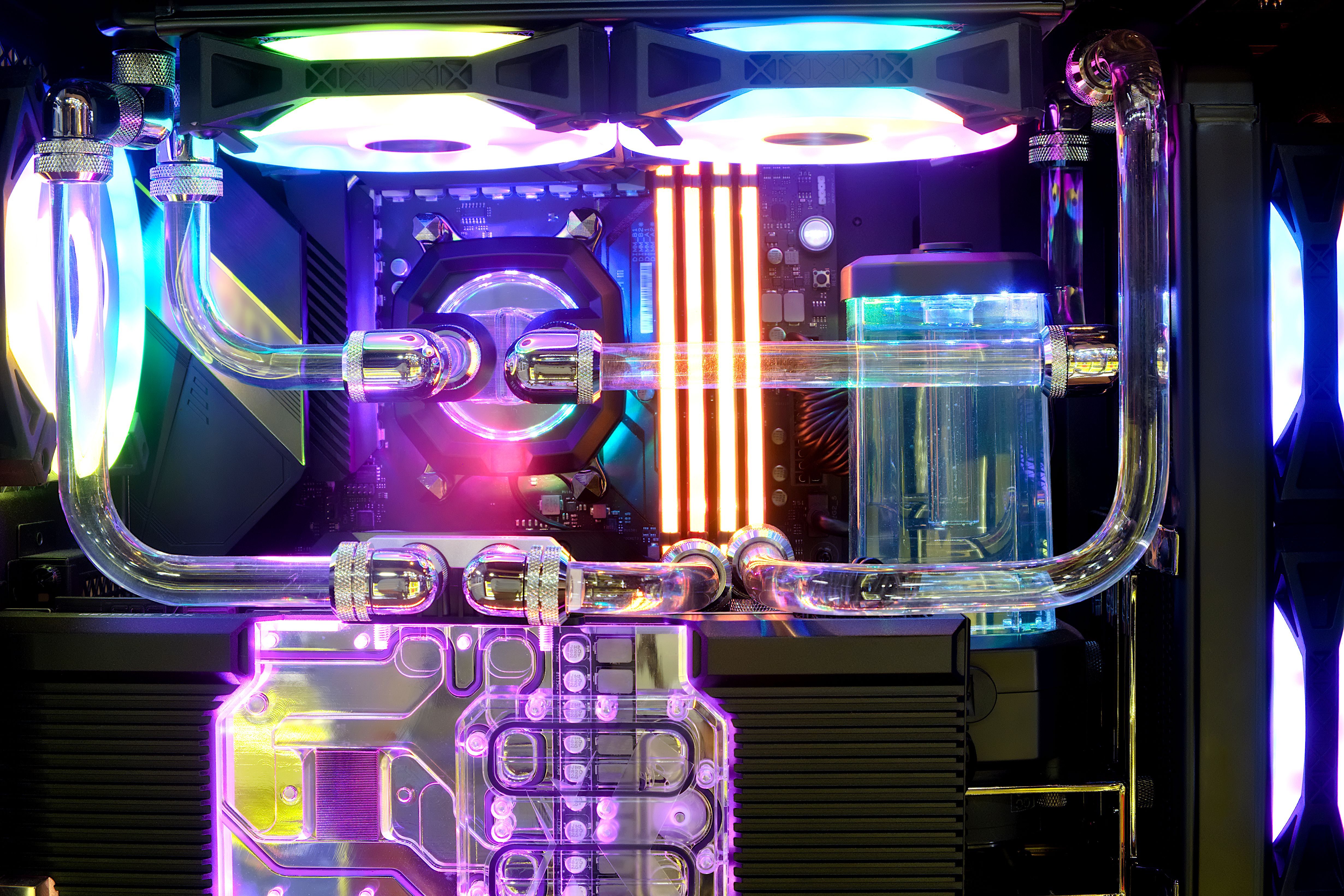
Overheating can lead to poor performance and even hardware damage. If your computer feels hot to the touch or shuts down unexpectedly, it may be overheating. Start by cleaning the internal components. Dust can accumulate and block airflow, so use compressed air to clean out the fans and vents.
Additionally, consider applying new thermal paste to the CPU if it's been a while since the last application. This helps improve heat transfer and keep the CPU cool.
Fix Connectivity Problems
Connectivity issues can be frustrating, but they are often easy to fix. Ensure all cables are securely connected and check for any signs of damage. For Wi-Fi problems, try resetting your router and ensuring your network drivers are up to date.
If you're experiencing Bluetooth issues, removing and re-pairing devices can sometimes resolve the problem. Keeping drivers updated is also critical for maintaining connectivity.

By addressing these common computer issues with these DIY upgrades and fixes, you can extend the life of your computer and keep it running smoothly without professional help. Always remember to back up your data before performing any hardware upgrades or major software changes to avoid data loss.